In the detail view, all information is combined to a single receipt entry.
It is divided into a navigation pane (left) and a data pane (right).
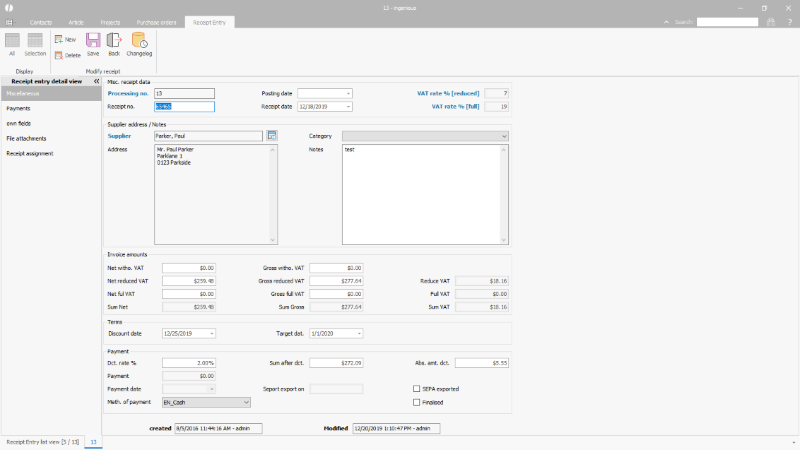
Detail view of an incoming receipt |
In the receipt entry detail view, the following functions are available:
 |
Create a new receipt entry |
 |
Delete current receipt entry |
 |
Save receipt entry |
 |
Close detailed view of receipt entry |
 |
Opens the changelog for administrators (user right required) |